

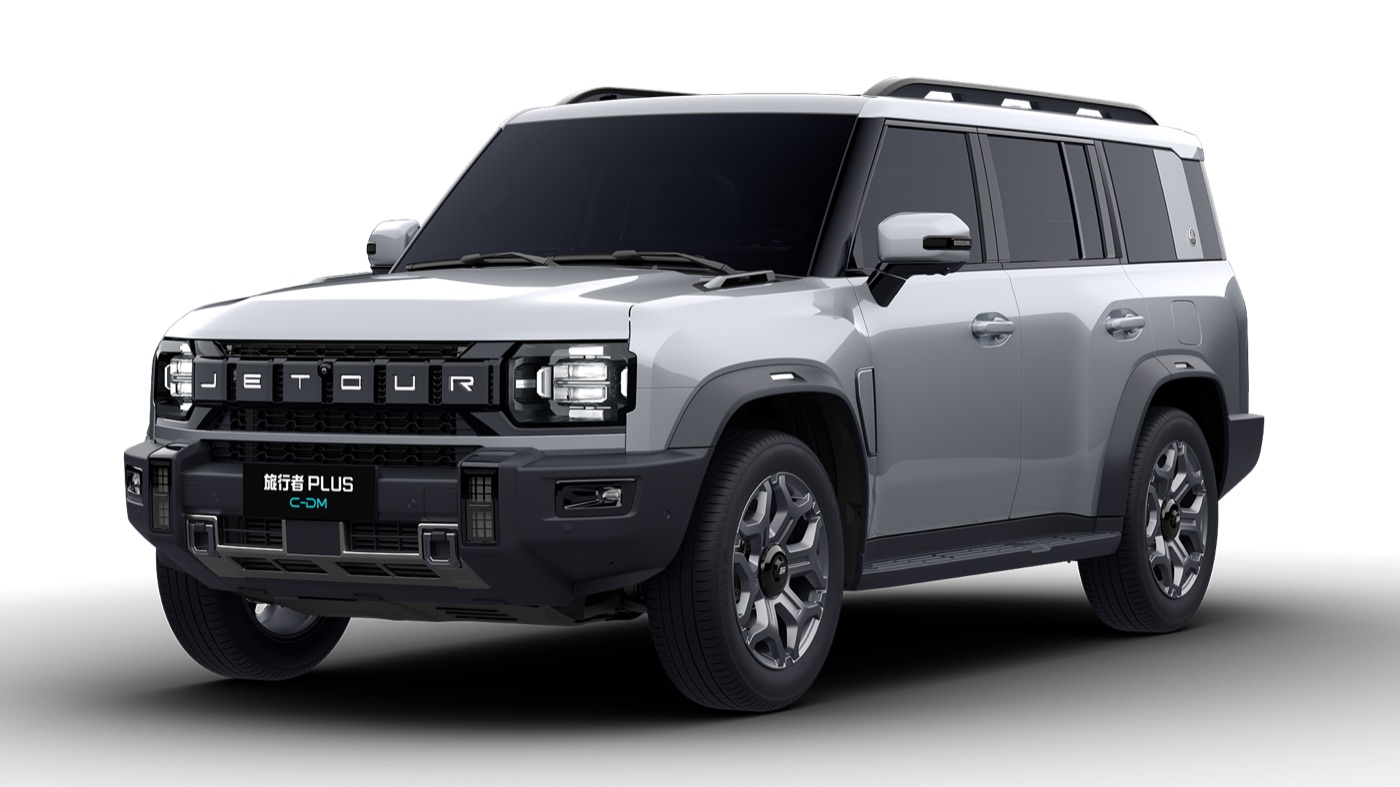
Quick answer: Match a Jetour T2 protector to the exact centre display, model year and trim. Choose clear glass or a matte film according to your preference for display clarity or glare control. Do not buy from the screen diagonal alone, and do not treat “9H” as proof of touch response, fit or UAE heat durability.
Confirm the display before ordering
The Jetour UAE T2 page lists a 15.6-inch centre touchscreen. The T2 i-DM page distinguishes that centre display from the 10.25-inch digital cluster. Those manufacturer specifications do not establish a shared protector outline or fit across every delivered version. Source checked 3 October 2026.
Ask the seller whether the kit is for the centre display or the instrument cluster. Compare a dimension drawing or template with your actual screen and bezel, including corner shape and usable border. Match the delivered year and variant; a generic “Jetour” or same-size diagonal listing is not enough.
Clear glass or matte film?
| Option | Why you might choose it | What to verify |
|---|---|---|
| Clear protector | You prefer the existing display appearance and want a replaceable surface. | Edge fit, coating compatibility, touch response and camera-image readability. |
| Matte film | Reflections are an issue in your actual driving position. | Try the finish: it can change contrast, fine text and camera-image appearance. |
| No added protector | You prefer the factory surface or cannot confirm compatibility. | Follow the handbook’s cleaning instructions and avoid rubbing trapped grit. |
Autosupp has not tested a specific T2 glass or film kit. Advertising labels such as “9H”, “2.5D” and “heat resistant” cannot substitute for its material specification, fitment evidence, installation instructions and return policy.
A fitment checklist you can send to the seller
- Exact vehicle, model year and trim, plus a straight-on photo of the display and bezel.
- Which display the kit covers, the supplied width/height or template, and the shape of each corner.
- Whether the adhesive is permitted for the existing coating, and how the protector can be removed.
- Evidence for thickness, touch compatibility and temperature limits for the actual product.
- What happens if it lifts, traps dust, reduces visibility or changes touch response after installation.
Installation and checks after fitting
Use the kit instructions and the vehicle’s screen-cleaning instructions. Work in a clean, shaded environment with the screen at the temperature specified by the kit; do not install immediately onto a hot parked display. Remove loose grit before cleaning and avoid pressing a trapped particle into the surface.
Before returning to use, check edge clearance, touch operation and readability of the functions you rely on, including maps and camera views. A protector is not a remedy for an existing display fault and does not make a screen heatproof. If operation changes, follow the product’s removal guidance and ask the installer or vehicle service provider.
Related T2 buying guides
For other cabin decisions, see the Jetour T2 accessories guide and T2 shade fitment guide. This page does not list a verified Autosupp T2 screen-protector product; confirm an actual current listing before ordering.
Frequently asked questions
Will any 15.6-inch protector fit a Jetour T2?
No. A diagonal does not establish the outline, bezel, corner shape or adhesive compatibility. Match the delivered screen and the product template.
Is tempered glass always better than matte film?
There is no tested universal winner here. Compare clarity, glare, fit and touch response for the exact material and your use.
Does a 9H label guarantee protection from UAE heat?
No. Check the actual product specifications and temperature limits; this guide has not tested a kit in UAE heat.
Should the protector cover the centre display or the instrument cluster?
Confirm which display the kit is designed for. The local T2 i-DM page lists the centre touchscreen and digital cluster separately.
Does Autosupp currently sell a verified T2 protector?
This article is a selection checklist, not a verified T2 protector stock listing. Check a current product page before ordering.